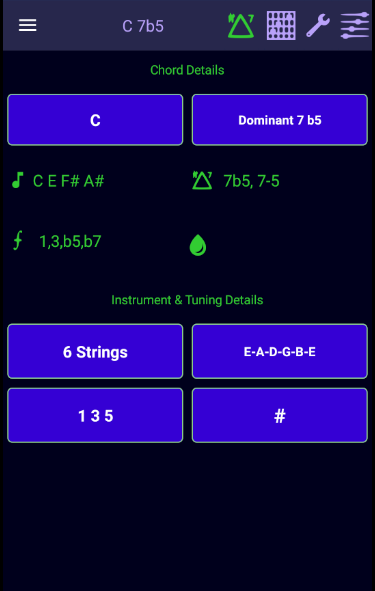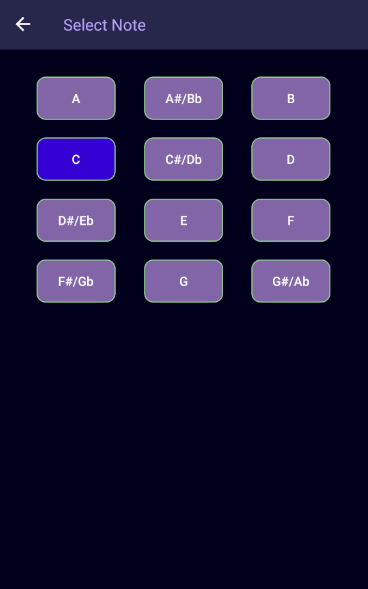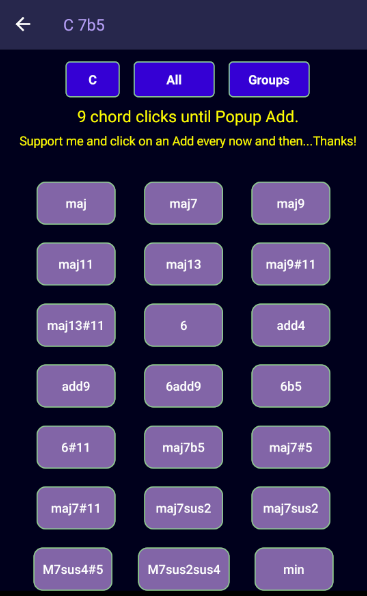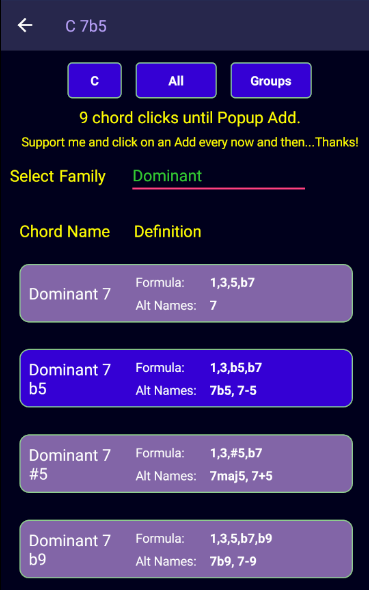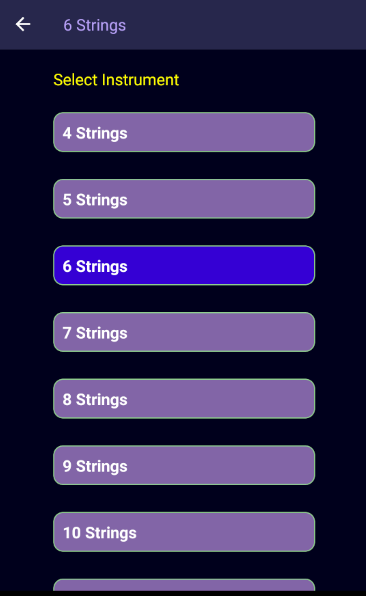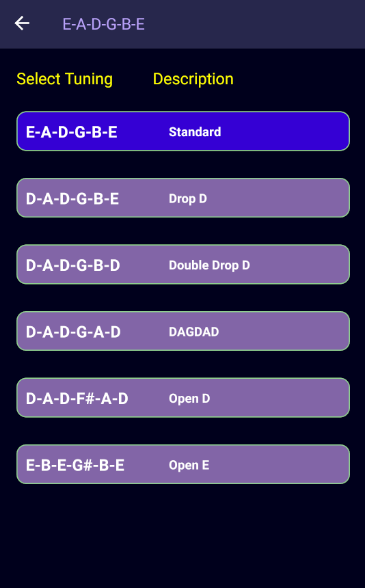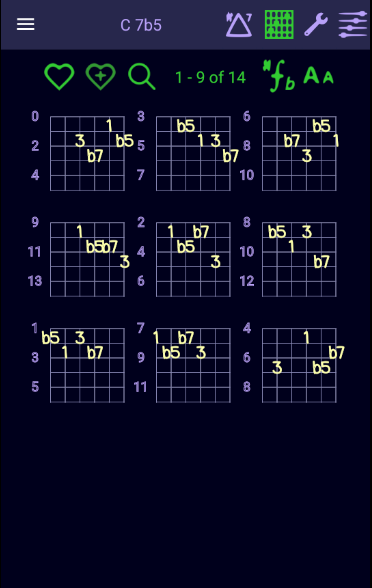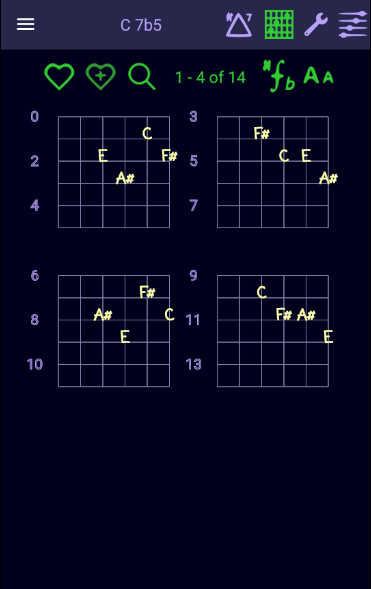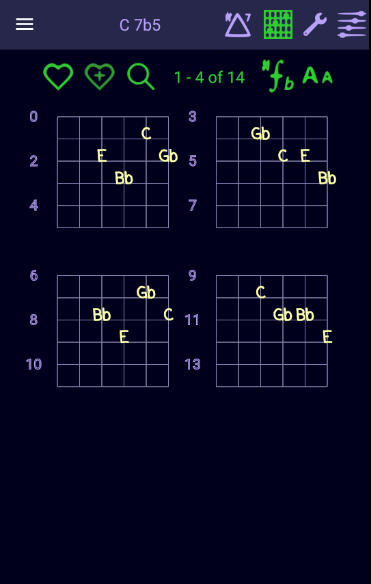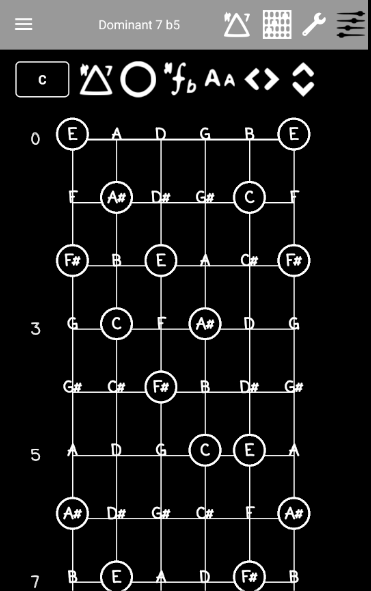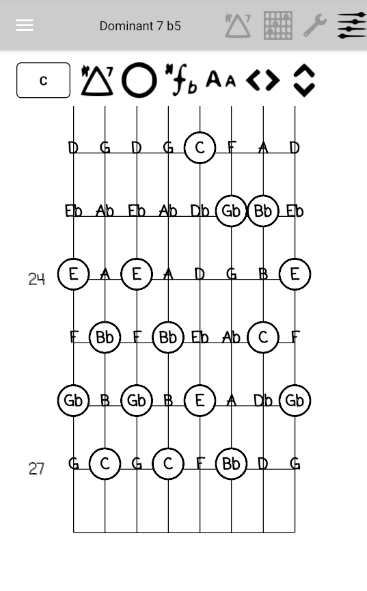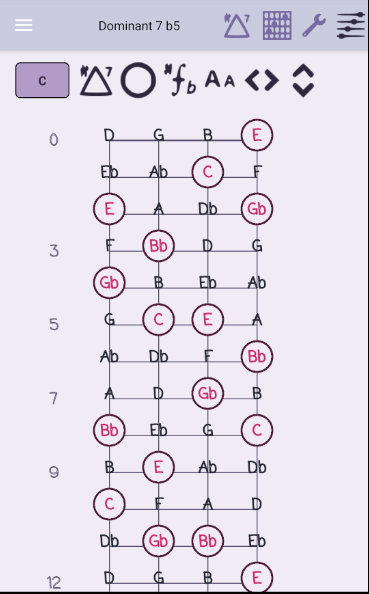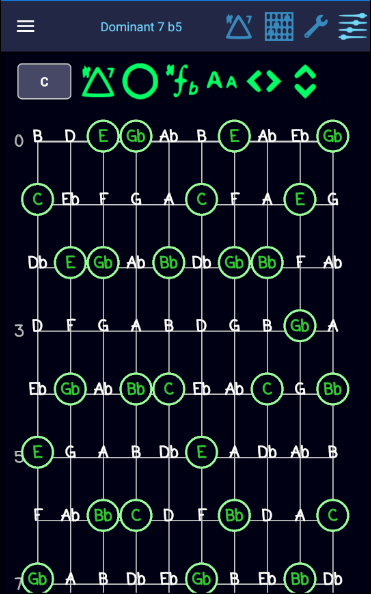
Fretboard Mapper is an application for intermediate and experience guitar players that can generate chord tab diagrams based a number of parameters. You can select a chord, root note, instrument (4 to 12 strings), available tuning and a set of strings to map chord tab diagrams.
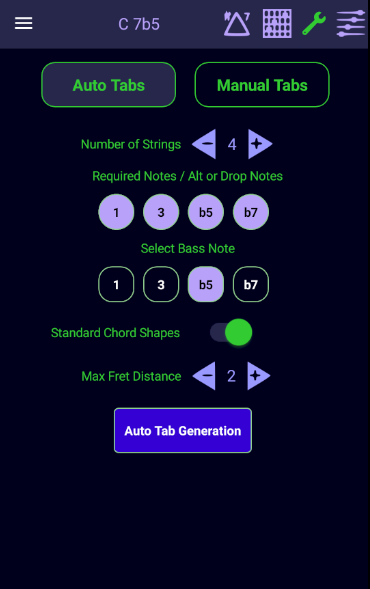
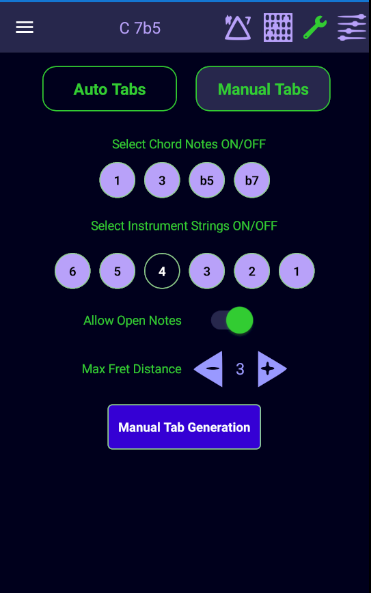
After initial selection the application will automatically generate tabs based on a default configuration. You can adjust the configuration using Auto Mode or Manual Mode.
You can manually select the instrument strings for tab generation or you can let the app dynamically generate strings sets based on the number of chord notes selected and the number of strings selected.
In Auto Mode you can specify standard chord shapes (drop 2 and drop 3 voicings) or non standard shapes.
You can specify a maximum fret distance from 0 to 4 to help define playable chords.
You can choose to include chords that contain open notes for manual mode.
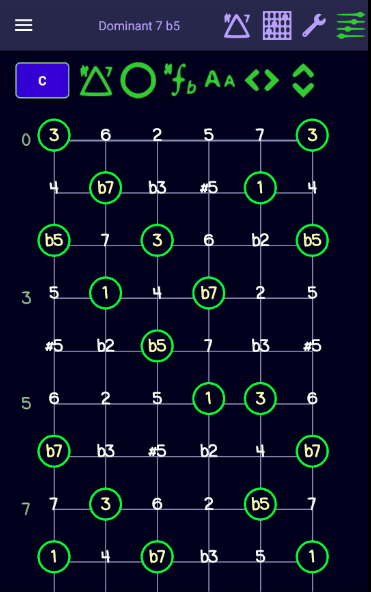
Guitar Mapper Free contains a instrument fretboard that will always display the current chord arpeggio based on the current tuning.
Chord notes can be displayed with a sharp (#) or flat(b) signature or with a formula notation (1 3 5 b7)
You can save chord tabs generated to a favorites list for each chord/instrument/tuning combination.
This application is free but contains adds. A paid version (Guitar Mapper) is available that contains a more robust set of chords and tunings to choose from. Future updates & new features will be made to the paid app only. This will include features like creating your own chords, tunings, song sheets, scales page, chord/scale analysis and progressions.
Have Fun!